Why Sub-10ms Sync Matters in Live Sports Displays
Synchronization is the invisible engineering layer that makes a stadium display system feel like one screen instead of twelve. Here is why sub-10ms sync matters — and what happens when it is missing.
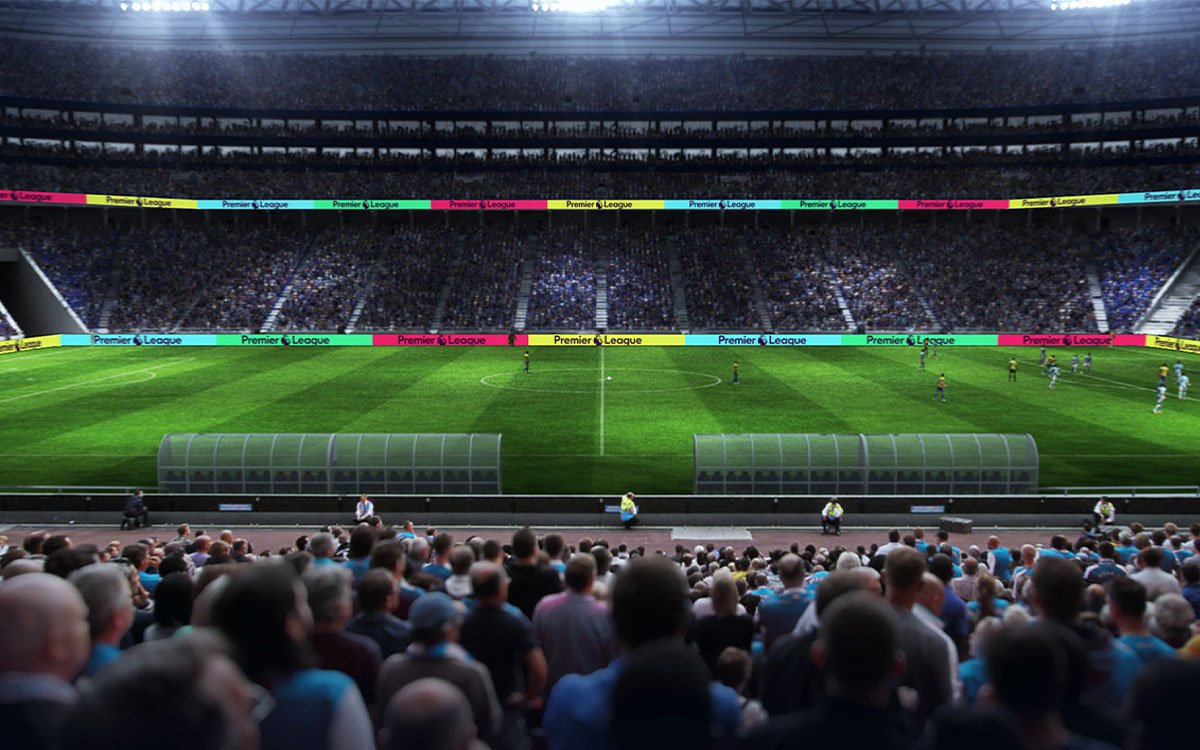
When a stadium has twelve screens — perimeter boards, a center-hung cube, entry displays, and concourse screens — fans expect them to feel like one system. Not twelve separate screens running slightly out of time with each other.
The engineering that makes that possible is synchronization. And the number that matters most in that conversation is simple: 10 milliseconds. This article explains why sub-10ms sync is the standard for professional sports displays, and what happens when it is missing.
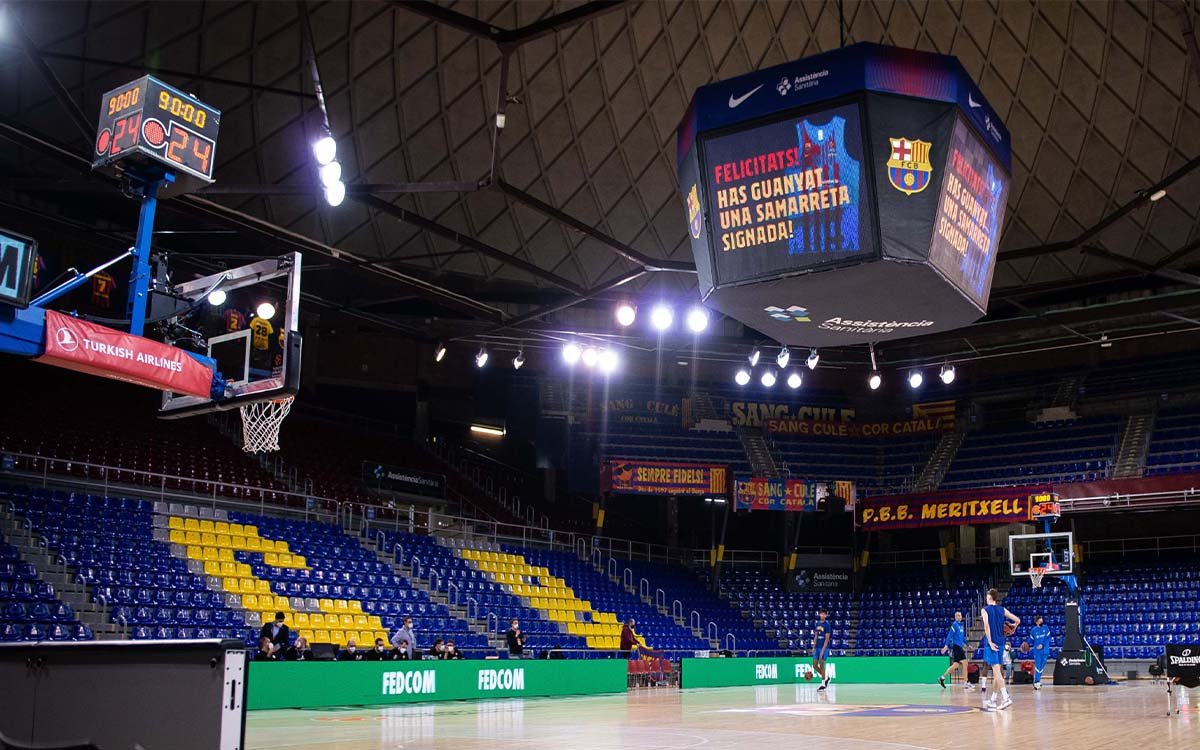
What “Sync” Actually Means in a Stadium
Synchronization in a stadium display system is the coordination of three things:
- Frame timing: every screen refreshes at exactly the same moment. No screen is one frame ahead or behind.
- Content timing: a sponsor logo appears on all screens in the same instant, not cascading across the venue.
- Data timing: score, clock, and stats update everywhere simultaneously — never one screen showing 2–1 while another still shows 1–1.
When all three are aligned, the audience perceives the display system as a single coherent surface. When they are not, the result is a subtle but noticeable “tearing” effect — screens that feel slightly disconnected.
Three Latency Ranges, Three Different Outcomes
Not all sync latency is equally acceptable. In practice, there are three ranges:
Sub-10ms sync is not an arbitrary engineering target. It is the threshold below which the human eye and the broadcast camera stop seeing the individual screens as separate units.
What Causes Sync Latency in the First Place?
In a multi-screen stadium system, sync latency accumulates from several sources. Understanding these helps when evaluating different control system options:
- Signal chain length: long cable runs and multiple signal processors add cumulative delay — a stadium with 500 meters of cable can easily add 5–10ms in transit alone.
- Video processing layers: each stage of video processing — scaling, color correction, overlay — adds a small amount of delay. Stacking multiple processors multiplies the problem.
- Different controller brands: if your perimeter and scoreboard use controllers from different manufacturers, they will have different internal processing latencies.
- Asynchronous refresh cycles: if screens refresh at different moments rather than on a shared frame clock, “tearing” appears even when latency numbers look fine.
- Wireless content delivery: wireless HDMI or Wi-Fi signal distribution can add unpredictable latency spikes, especially under match-day network congestion.
What Happens Without Sub-10ms Sync
When sync latency exceeds the acceptable range, three specific problems appear:
1. Visible frame tearing
During fast-moving content — replays, sponsor transitions, animated graphics — screens that are out of sync show slightly different moments of the same motion. To the human eye, this reads as a “jitter” between screens. Fans notice it, even if they cannot describe it.
2. Broadcast artifacts
When a broadcast camera pans across a venue with multiple LED screens, sync differences become visible on TV. Fans at home see one screen update while another lags behind. This is one of the most common complaints from venues appearing on live broadcasts.
3. Sponsor content misalignment
Sponsor logos and branded content that is supposed to appear across the venue simultaneously instead “cascade” across screens. Sponsors notice this — and it affects contract renewals for high-value sponsorships.
How to Ensure Sub-10ms Sync in Your System
Achieving sub-10ms sync is not about picking the most expensive hardware. It is about making the right architectural decisions at design stage:
- Use one control platform across the whole venue: perimeter, center-hung, and entry screens should run on the same control system, not separate ones per zone.
- Shared frame clock: all screens should lock to a single reference clock, not their own refresh cycles.
- Minimize processing layers: fewer intermediate processors means lower cumulative latency.
- Wired signal distribution: avoid wireless delivery for anything that must stay in sync. Wireless is fine for remote content management, not for real-time frame sync.
- Broadcast-grade hardware: controller specifications should list latency in the data sheet — a supplier that cannot provide this number is not building broadcast-ready systems.
How Sync Fits Into the Bigger Display System
Sub-10ms sync is one of four interdependent technical layers that make up a professional stadium display system:
- Hardware layer: the LED modules, cabinets, and refresh rate of the physical panels.
- Signal layer: the cabling, sending cards, and distribution architecture that carries content to each screen.
- Sync layer: the control platform that keeps every screen on the same frame — the subject of this article.
- Operations layer: the monitoring, service, and fault response that keeps the system running reliably over years.
A weak link in any of these four layers compromises the others. Great hardware with poor sync produces tearing. Great sync with no operations support produces outages. A complete system needs all four.
The Bottom Line
Sub-10ms sync is the technical threshold that separates a professional stadium display system from a collection of individually good screens. It is not a marketing number — it is the point below which the human eye and broadcast cameras stop seeing the seams.
If you are specifying a stadium display system, ask your supplier directly: what is the sync latency between your perimeter boards and your center-hung scoreboard? If they can answer with a specific number, you are talking to a serious systems integrator. If they cannot, the answer will appear later — on a sponsor complaint.
Want a Sync Audit for Your Existing Display System?
If your venue has multiple screens and you suspect sync issues, our engineering team can review the architecture and recommend a fix — without replacing the entire system.
Request a Sync Audit