How to Choose the Right Pixel Pitch for Your Stadium LED Display
Pixel pitch is the single most important specification in a stadium LED display — and the one most often chosen incorrectly. This guide explains how to match pitch to viewing distance, venue type, and budget, without overspending on resolution your audience will never see.
Pixel pitch is the technical foundation of any stadium LED display project. It determines what the audience can see, at what distance, and at what cost. Get it right, and you have a display that looks sharp from every seat. Get it wrong, and you either overspend on resolution nobody can see — or deliver a screen that looks pixelated from the front row.
This guide explains how pixel pitch works, how to calculate the right pitch for your venue, and the specific pitch ranges we typically recommend for different stadium applications.

What Pixel Pitch Actually Means
Pixel pitch is the distance — measured in millimeters — between the centers of two adjacent LED pixels on a display panel. A P4 display has 4mm between pixel centers; a P10 has 10mm.
Smaller pitch = more pixels per square meter = sharper image at close range. But it also means more LED chips, more driver ICs, more circuit complexity, and higher cost per square meter.
The Viewing Distance Rule
The industry-standard rule of thumb for stadium display viewing distance is straightforward:
This formula gives you the minimum distance at which the display looks smooth and free of visible pixelation. Below that distance, viewers may start to see individual pixels — which is typically undesirable for brand content, scoreboards, and sponsor graphics.
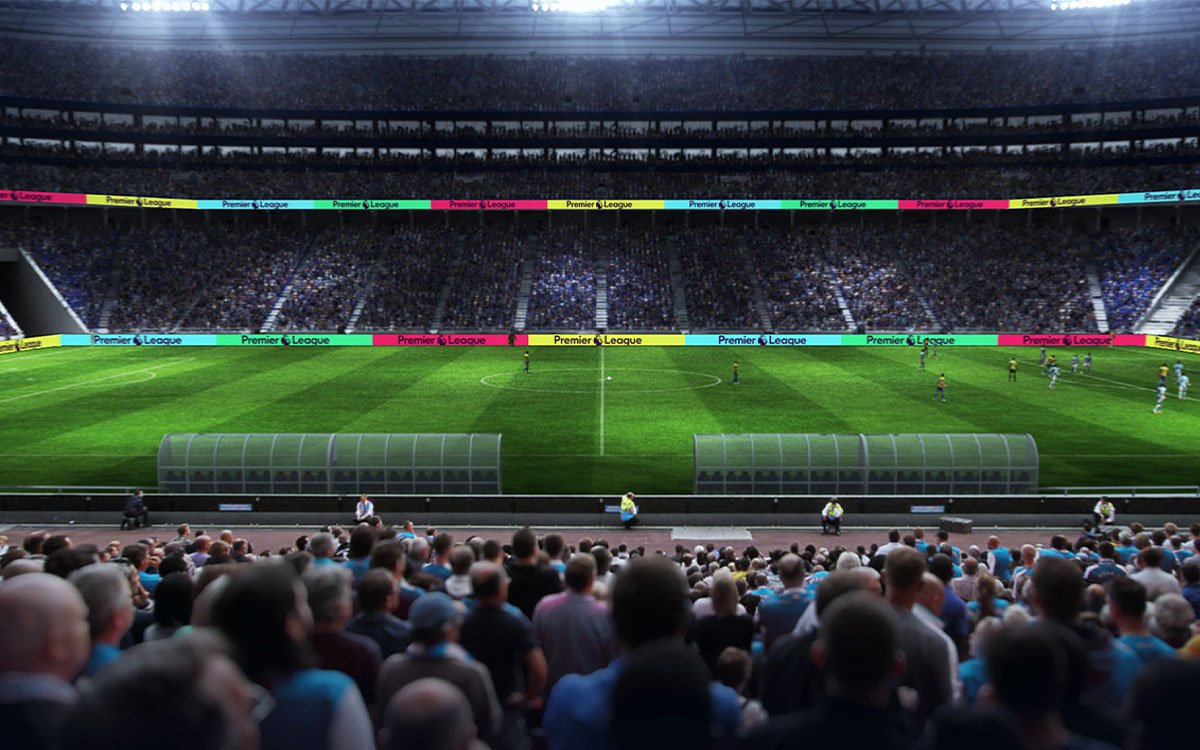
For a stadium, the front row of the audience is usually the limiting factor. If your closest spectators are 8 meters from the perimeter board, a P6 pitch will look sharp; a P10 will be visibly pixelated; a P4 would be wasteful.
Recommended Pixel Pitch by Venue Type
Below are the pitch ranges we typically recommend for the most common stadium LED applications. These are based on typical viewing distances for each venue type.
| Application | Viewing Distance | Recommended Pitch |
|---|---|---|
| Football Perimeter | 8–30 m (front row to mid) | P6 – P10 |
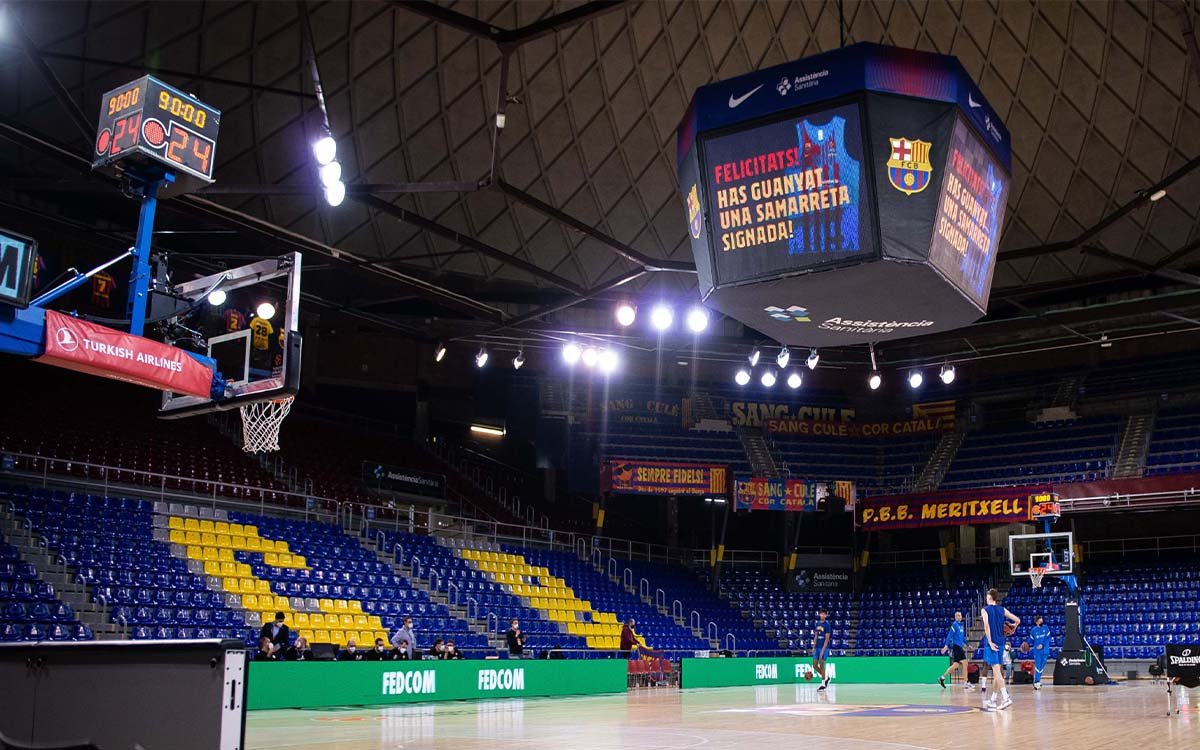
| Center-Hung Scoreboard | 20–80 m (center court view) | P6 – P10 |
| Basketball Court-Side | 5–25 m (courtside to stands) | P4 – P6 |
| Indoor Arena Bowl | 10–40 m | P4 – P6 |
| Broadcast / Studio | Close-up on camera | P1.9 – P3.9 |
| Entry & Concourse | 3–15 m | P2.5 – P4 |
Note that these are recommendations, not rules. A stadium with unusual geometry — a low perimeter with a close front row, or a center-hung cube with certain sightline restrictions — may need a different pitch than the standard range.
P4 vs. P6 vs. P10 — Real Differences in Practice
The practical differences between common pitch sizes are often misunderstood. Here is what actually changes when you move from one to another:
P4 — Fine pitch, indoor and close viewing
P4 is typically used indoors — court-side rings, entry displays, or broadcast-adjacent screens. It provides high resolution at 4–6 meter viewing distances. For an outdoor perimeter viewed from 20+ meters, P4 is unnecessary and significantly more expensive.
P6 — The balanced choice for most stadiums
P6 is the most common outdoor perimeter pitch worldwide. It offers a good balance between resolution, brightness, and cost — sharp enough for sponsor graphics at 6+ meters, and cost-effective across the full perimeter ring.
P10 — Large venue, long viewing distance
P10 is used for large outdoor venues where the closest spectators are 15–20 meters away. It reduces the number of LED chips and IC drivers per square meter, lowering cost — but it becomes visibly pixelated for any viewer closer than that.
Other Factors That Influence Pitch Choice
Pixel pitch is the primary factor, but three others interact with it and should not be ignored:
- Content type: if the display will show detailed sponsor graphics or text, a finer pitch may be needed even at long distances. Simple scoreboard numbers work at coarser pitches.
- Camera visibility: if the display will appear on broadcast TV, pitch must be fine enough to avoid visible pixelation on camera — usually P6 or finer, plus high refresh rate.
- Budget: moving from P10 to P6 can increase hardware cost by 50–80%. For a large perimeter, that difference is substantial.
Common Pitch Selection Mistakes
In our experience with stadium projects, three mistakes come up again and again:
- Buying finer pitch than needed: a P3 screen on an outdoor perimeter viewed from 25 meters wastes significant budget — the audience cannot see the difference from P6.
- Buying coarser pitch than needed: a P10 display on a court-side ring viewed from 5 meters will look clearly pixelated during play — which affects brand perception and sponsor satisfaction.
- Choosing pitch by screen size, not distance: a large screen does not require a finer pitch if the viewing distance is the same. Pitch and size are independent decisions.
How We Help You Decide
For a stadium project, pitch selection is not a decision you should make alone. Our engineering team considers:
- Venue geometry: seat layout, front row distance, and viewing angles from every section.
- Content profile: scoreboard, sponsor graphics, live video, or replay.
- Broadcast requirements: whether the display appears on TV and at what focal length.
- Budget allocation: where a finer pitch is worth paying for, and where it is not.
The result is a pitch recommendation that matches your venue’s actual needs — not a generic default that over-specifies or under-delivers.
The Bottom Line
Pixel pitch is a balance: too fine, and you overspend on resolution your audience cannot see. Too coarse, and your venue looks pixelated from the front row. The right choice is based on viewing distance first, content type second, and budget third — never the other way around.
For most stadium perimeters, P6–P10 covers the majority of applications. Indoor court-side and entry displays usually use P4–P6. Broadcast-grade screens may require P3.9 or finer. But the final answer depends on your specific venue — and a proper engineering review is worth more than a shortcut.
Get a Pitch Recommendation for Your Venue
Share your venue dimensions, viewing distances, and content plans. Our engineers will come back with a specific pitch recommendation — no obligation.
Request a Pitch Review